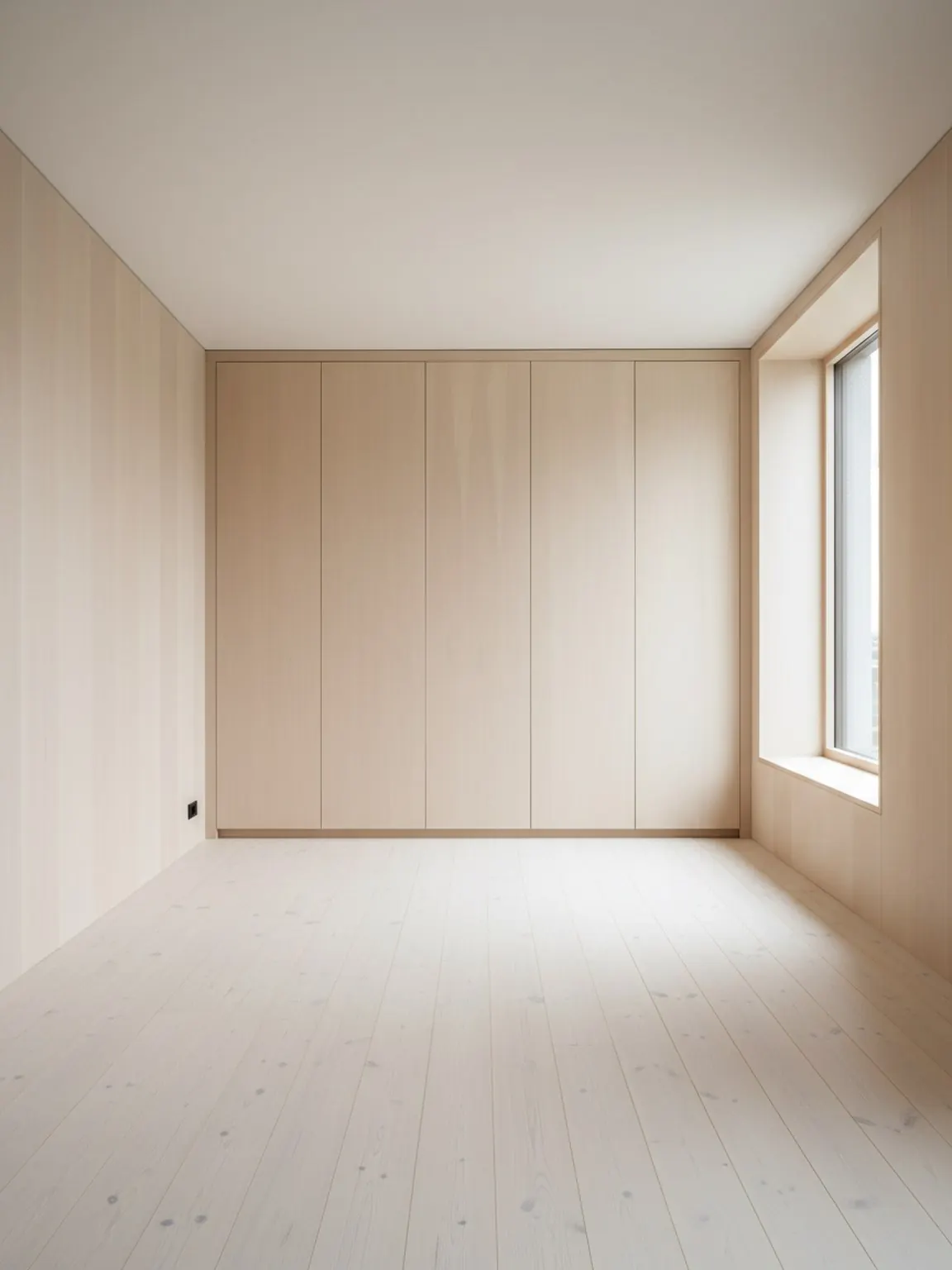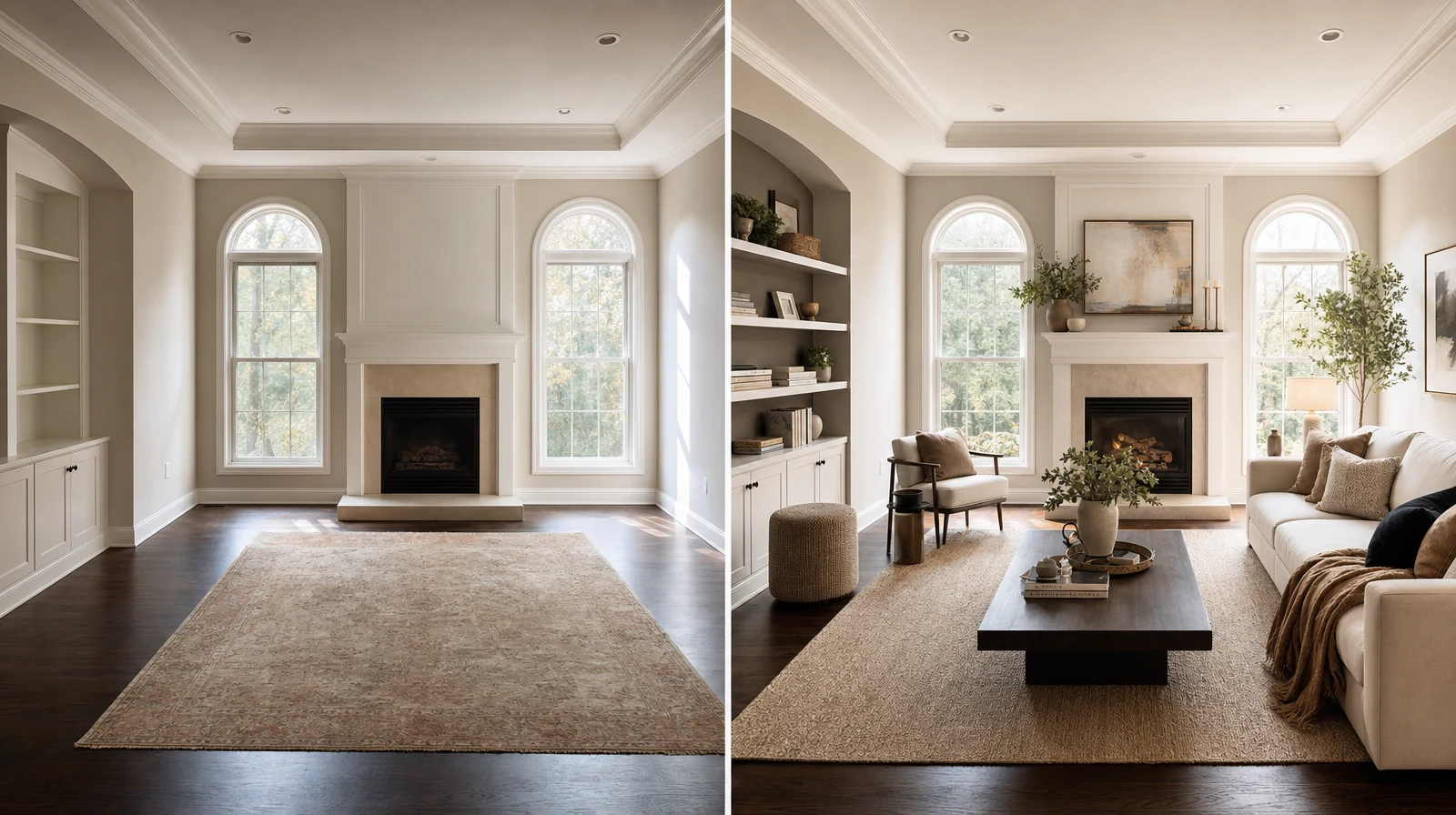
A furniture visualizer is most useful when a shopper likes the product but still cannot picture it in their own room. That gap is where online furniture decisions often slow down: not because the product is weak, but because the context is missing.
What an AI furniture visualizer should show
- How the piece sits inside the real room context
- Whether the scale feels believable next to surrounding furniture
- How finish or fabric choices change the room story
- Why one bundle or variant is easier to choose than another
The job is not to create a fantasy room. The job is to answer the fit question clearly enough that the shopper can move forward.
When it adds the most value
AI furniture visualization is strongest for larger, pricier, or style-sensitive products where hesitation is normal: sofas, dining sets, storage systems, accent chairs, coordinated bundles, and finish variants.
The input checklist that improves results
- Use a room photo that shows the target placement area.
- Keep floor lines and nearby walls visible.
- Choose the one product decision that matters most.
- Compare a small shortlist instead of every catalog option.
How sellers should present the visual
A product-fit scene works better when it arrives with one or two practical notes. Mention the reason the scale works, the finish relationship, or why the recommended bundle solves the shopper's actual constraint.
If product fit is your immediate need, start with the {feature}; the {pillar} explains the broader room workflow, and the {useCase} shows how ecommerce teams can use these visuals before checkout.
What to compare before sending
- Scale against the real room
- Walkway and clearance impact
- Finish compatibility with nearby surfaces
- Whether the option supports the shopper's budget and style goal
Common mistakes
- Showing too many variants at once
- Using a cropped room photo with no placement context
- Sending a visual without a recommendation
- Treating the scene like decoration instead of purchase support
The best outcome
The strongest visual does not simply look good. It makes the shopper say, “I can see why this one works in my room.”
Want to preview furniture inside a real customer room? Open Room AI Studio.